
I Built Apps Inside Claude. Here Is What Actually Happened
We have been building without code since before it was a trend. This is where the new ceiling is

Before my work in AI consulting, I spent my professional life in the National Security space. Our teams built operational tools on platforms like Microsoft Power Apps and Dynamics 365. We were small, capable teams solving real problems without the large traditional software development teams. Those platforms allowed us to develop capability faster and with more consistent quality than traditional development.
The value was never in the syntax. It was in the consistency, speed, reuse, and logic. Claude’s artifact feature is the next evolution of that philosophy with one difference. In Power Apps, you still had to understand the platform’s building blocks. With AI, the platform understands them for you.
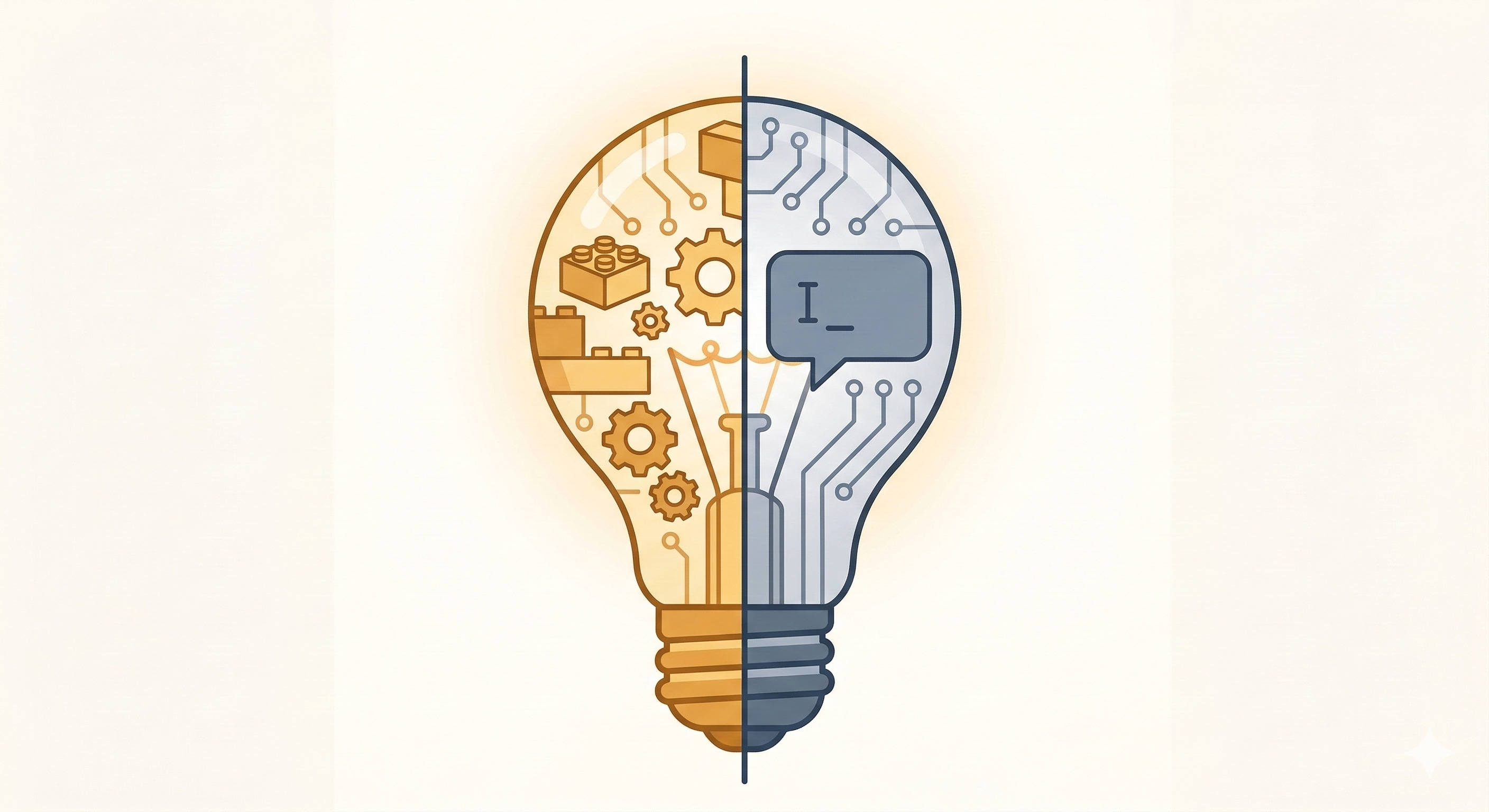
As I continue to study AI features and what they are capable of, Claude’s artifact feature caught my attention. I recognized the pattern immediately. A low-friction platform with serious capability underneath.
What came out were two functional apps.
What I Built
Subscription trackers are everywhere. Your bank flags them. Your credit card app identifies them. Standalone services are built around this single problem. They always seem to lack something. They misidentify services in ways that erode trust.
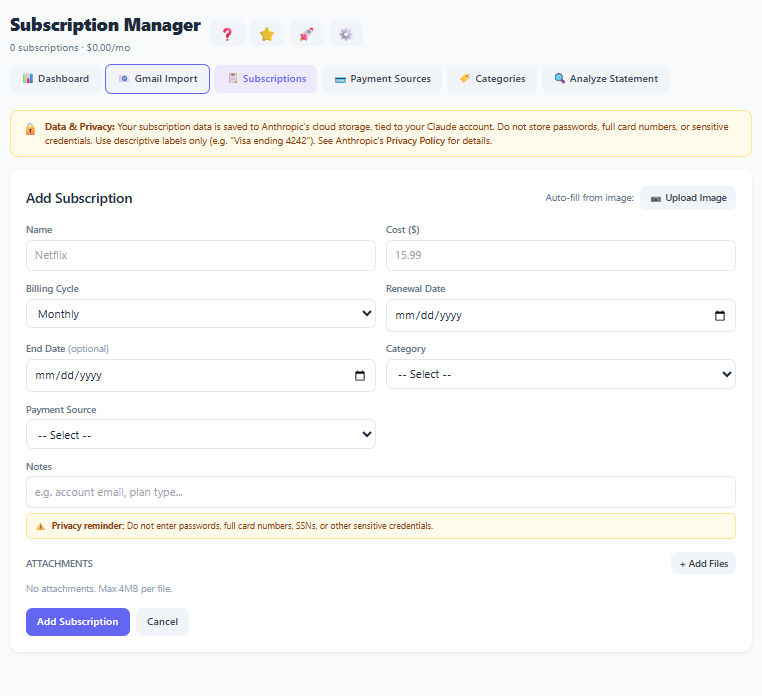
I built a tracker that queries your Gmail inbox and/or credit card statements to detect recurring services. It does this without storing sensitive financial information. It displays spending across weekly, monthly, and annual views with charts and renewal alerts (trust me, we are spending too much). Everything saves privately to a Claude account.
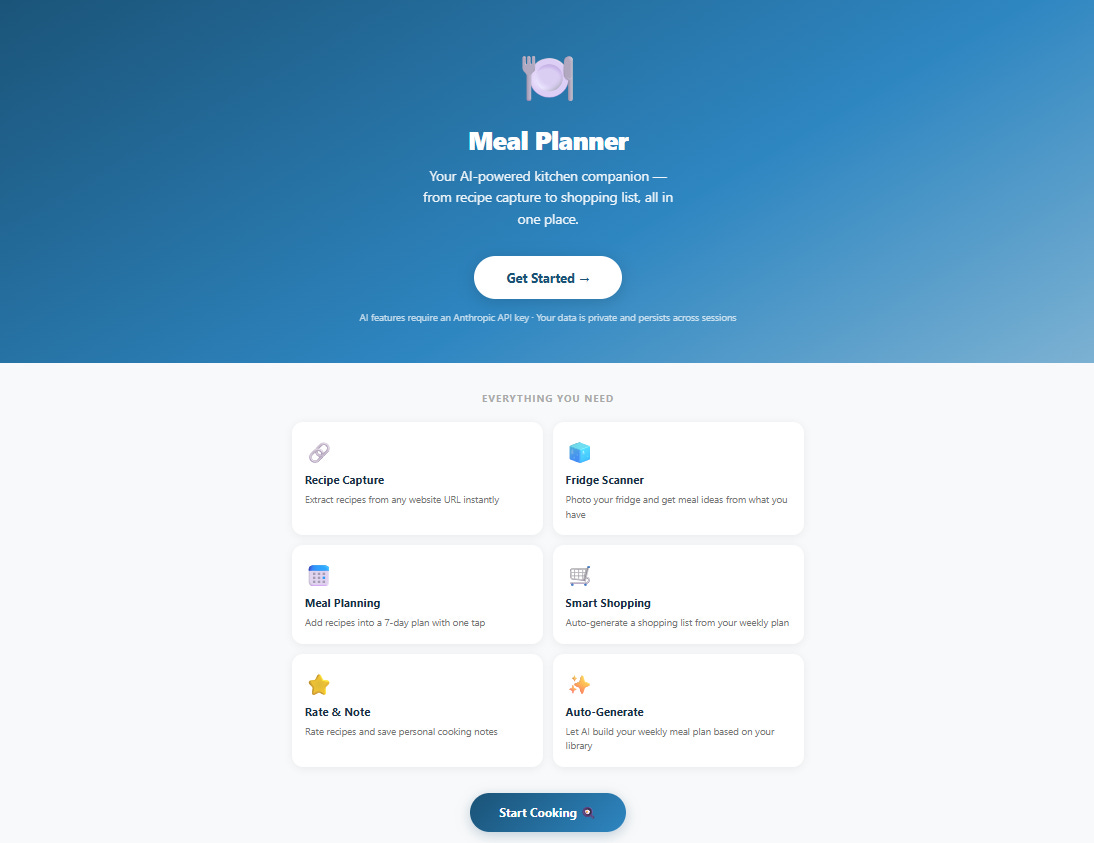
My wife and I genuinely hate meal planning. The weekly back-and-forth of figuring out what to make, what we have, and what we need is one of those low-grade frustrations that never fully goes away. So I built something to help us. The second app is a meal planning companion that captures recipes from URLs or videos, scans a fridge and/or cabinet for existing ingredients, and generates a smart shopping list.
Neither required a single line of code from me. I described the requirements. Claude built them. I tested everything, pushed back where it was wrong, and we iterated until it worked. The process felt less like software development and more like a conversation with a capable collaborator.
These are real apps, with live data and charts that updated, built inside a chat window.
Where the Ceiling Is
This is the lesson. It works on a desktop. On my phone in the Claude app, the app broke. The storage layer Claude uses for artifacts is a non-standard API. It does not behave consistently across all platforms. Data that saved perfectly on a laptop did not persist in the mobile Claude app.
I asked Claude if I was pushing the boundaries. The answer was honest. Artifacts are built for self-contained, presentational tools like calculators or visualizers. I built a mini Software as a Service (SaaS) application inside an embeddable snippet. It operates at the edge of the platform.
That ceiling is called production grade. To make these apps work reliably on every device, I would need to move them into a real development environment. Claude estimated that 80% of the code it wrote would transfer directly to a React app. That is a significant number.
The ceiling is real. Knowing where it is provides the advantage.
What This Actually Means
Have you ever used an app and loved it, but wished it did just one thing differently? The future is not a better version of someone else’s software. It is personalized software that meets your specific needs at the speed of thought.
The assumption that building software requires a team of engineers and a six-month runway is expensive. Not just in money, but in time and in the opportunities that pass while you wait for someone else to build the thing you need.
Production grade is only required if the problem is permanent. For decades, we forced our workflows to fit the constraints of off-the-shelf software. Generic meal planners. Subscription trackers that almost worked. The shift is toward software built for your specific problem. You use it until the problem is solved. If the mission changes, you build something new or iterate. It does not need to be hardened infrastructure. It just needs to work.
Here is the more provocative truth. The interface itself may be the thing that disappears. Why build a tracker with charts and renewal alerts when you can just ask Claude to scan your emails for subscriptions, upload your credit card statement, or tell Claude to remember what subscriptions you are paying for and how much they cost? The app was never the point. The answer was the point. We built interfaces because computers needed us to speak their language. When the computer speaks yours, the interface becomes optional.
What I built may already be obsolete. Not because it does not work, but because the next version does not need a UI at all. The chat window is the interface. The agent is the app. You just have the conversation. In a future article, I will incorporate the same functionality but use the chat interface to achieve the same goal: understand my spend on recurring subscriptions and stop paying for services I no longer use.
The caveat is consistency. A UI enforces it. A conversation depends on how well you ask.
The Lowe Down:
The skill that compounds from here is not coding. It is knowing how to describe a problem clearly and completely. Start practicing that today.
Audit your workflows. Identify the tools you use that almost work. Those are the first candidates for something you build yourself or replace with chat.
The interface is not going away overnight. But the people who learn to work without one will have a meaningful advantage over those who wait for someone else to build the perfect app.
It’s a no brainer.
Love the tangible examples! How do I get ahold of your subscription tracker?