
Reused Passwords Are the Threat. Here's How to Pick a Vault.
The choice to use a password manager matters more than which one you choose. Here is a framework for both.

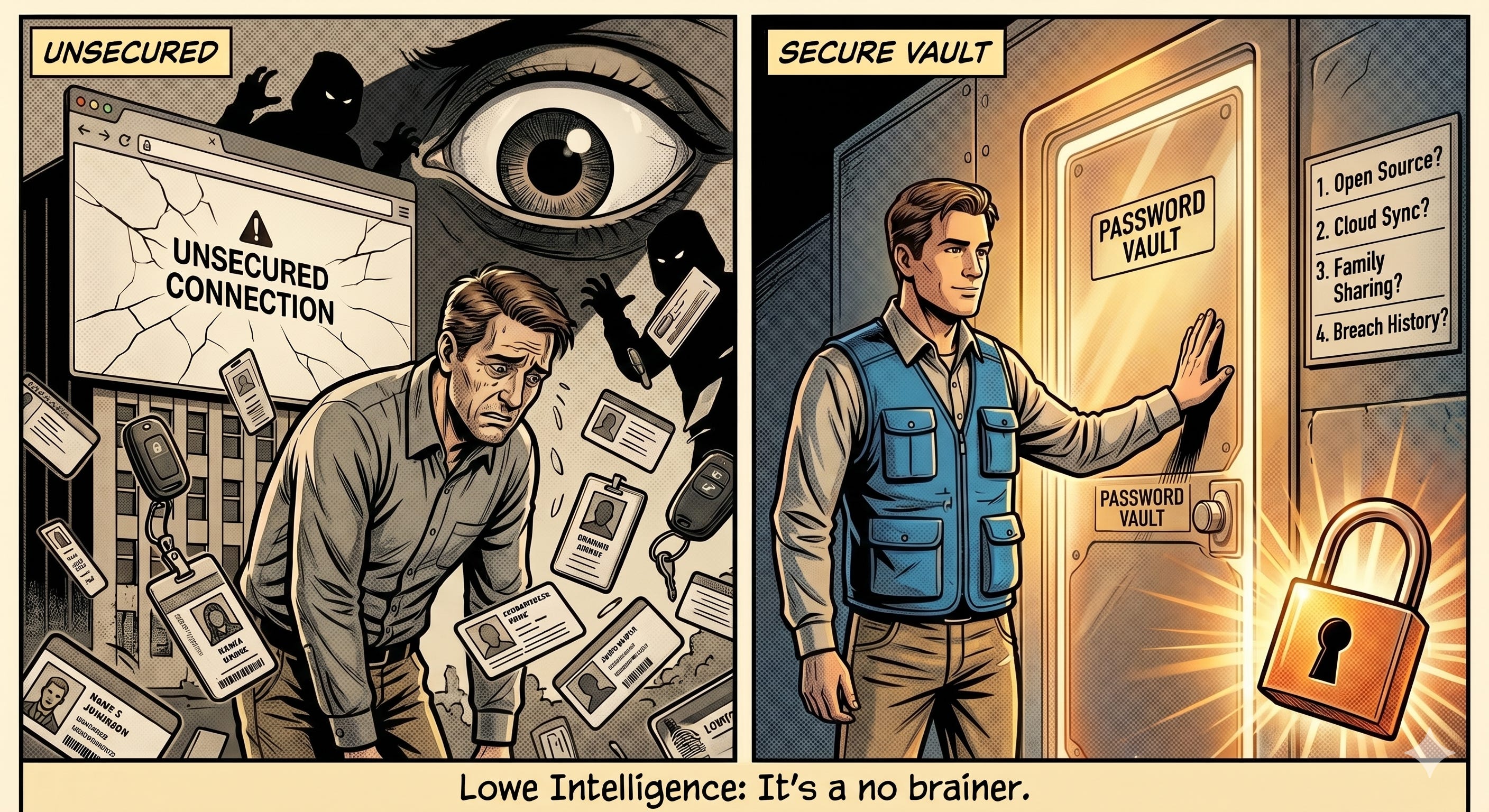
How Exposed Are You?
A current check on Have I Been Pwned returns thirty-four breaches across the email addresses I have used. The check takes fifteen seconds. Cleanup is a series of quick resets when you use a password manager, and a time-intensive, imperfect mental gymnastics exercise when you don’t.
In November 2025, Troy Hunt, the creator of Have I Been Pwned, loaded two billion email addresses into the service in a single index. The data came from one corpus of stolen credentials. That is not a hypothetical attack surface. That is the live, tradable inventory of credentials already in someone’s hands.
When attackers run those credentials against banks, brokerages, retailers, and email accounts, the technique has a name. Credential stuffing. The 2025 Verizon Data Breach Investigations Report (DBIR) attributed eighty-eight percent of basic web application attacks to stolen credentials. Stolen credentials were the initial access vector in twenty-two percent of all breaches that year. The attack works for one reason. The same password gets reused across the places it should not.
The Cost of Doing Nothing
The Federal Bureau of Investigation (FBI) Internet Crime Complaint Center reported $20.9 billion in cybercrime losses for 2025, up from $16.6 billion in 2024. The average loss per incident in 2024 was $19,372, up from $14,197 the year before. Most of those losses are not the rare sophisticated breaches that make the news. They are individuals whose credentials worked on the wrong site for the wrong attacker.
That is the threat a password manager addresses, and the question worth answering is not which one is best. It is which threat you are defending against, and which trade-offs you can live with.
The Vault as Defense
A password manager generates a unique credential for every site, stores it behind a single master password or biometric unlock, and autofills it on request. The alternatives all fail to defeat credential stuffing. A reused password defeats itself the moment any one of the sites holding it is breached. Browser autofill ties the credential to the device or account holding the browser, with no useful generation discipline.
A vault also defends against a second category of attack the alternatives ignore. Stored credentials are tied to specific domains. When you visit a phishing site dressed up to look like your bank or your brokerage, the vault will not autofill, because the domain does not match the one bound to the credential. The absence of the autofill is the warning.
A password typed by hand has no such guardrail. The domain check is the test the attacker cannot fake, which makes it increasingly valuable as phishing pages become more convincing.
The obvious counter is that the vault itself is a single point of failure. That is correct. It is also why which vault you choose matters less than how you use it. The master password and the recovery method are the actual line of defense. National Institute of Standards and Technology (NIST) guidance is explicit that losing a memorized secret is a common failure mode, which is why reputable vaults offer a recovery path: a printed recovery key, a paired biometric, or a second physical authenticator. Set one up before you need it, and store the printed material in a fireproof and waterproof bag with your passport, deed, and estate documents.
The vault is only as secure as the email account used to recover it. That account needs a hardware key or a dedicated alias with no SMS recovery option.
The Four-Question Filter
These are the architectural choices worth thinking through before opening a comparison chart.
Open source or proprietary. Open source code can be audited by anyone, and several major vaults publish their codebases for that reason. Proprietary code cannot be audited externally, which is not the same as being insecure. Independent security audits matter regardless of whether the source is public. The choice is about which form of trust you prefer: distributed and verifiable, or institutional and contractual.
Cloud sync or local only. Cloud-synced vaults are encrypted on the device, uploaded to the provider’s storage, and decrypted only when you authenticate. The convenience is real and so is the dependency on the provider. Local-only vaults remove the provider from the equation entirely. Cloud sync is the lower-friction default for most readers. Local-only is for users who already run their own backup infrastructure. If that sentence made no sense to you, cloud sync is your answer.
Family or team sharing. If two people need shared access to a Wi-Fi password, a streaming login, or a small business credential, the vault has to support sharing in a way that does not collapse to a single shared master password. Some vaults handle this well. Some do not. This is the question worth answering before signing up, not after.
Breach history and disclosure posture. Every provider can be breached. What separates them is what they do afterward. Read the public record on how each vault has handled past incidents: how fast the disclosure was, how complete it was, and whether the company gave practical guidance to affected users. A public roadmap for migrating to the post-quantum cryptography standards NIST finalized in 2024 fits in here as another disclosure signal. The disclosure posture is the best available signal of how a future incident would be handled.
The Vaults Through the Filter
The major vaults worth running through the filter include 1Password, Bitwarden, Dashlane, Proton Pass, Apple Passwords, Keeper, NordPass, and the public record on LastPass.
The point of the comparison chart is that no single vault wins all four questions. Open source vaults like Bitwarden and Proton Pass put the codebase on the table; proprietary vaults like 1Password and Keeper rely on independent audits and reputation. Apple Passwords is free and seamless inside the Apple ecosystem and limited outside it. Each option trades something. The fit depends on which trade-offs you can live with.
The LastPass Case
LastPass is the most thoroughly documented public example of why breach history belongs on the filter. According to Krebs on Security reporting and LastPass disclosures, attackers compromised a corporate developer’s laptop in August 2022, used that foothold to install a keylogger on a senior development operations engineer’s home computer, bypassed multi-factor authentication (MFA), and accessed encrypted copies of customer vault backups stored in the company’s cloud.
In March 2025, Brian Krebs reported on a federal court filing in which the U.S. Secret Service and FBI tied the 2022 LastPass breach to a $150 million cryptocurrency heist against the Ripple co-founder, part of a documented pattern of thefts targeting users who had stored cryptocurrency seed phrases inside the Secure Notes field of their LastPass vaults. LastPass has publicly denied a conclusive link.
One critique that emerged from the LastPass episode is worth acknowledging directly. For users whose vaults held the highest-value secrets, cryptocurrency seed phrases and one-time recovery codes, the centralized vault concentrated the loss in a way that reuse would not have. That critique is fair on its specific facts. The lesson is not to abandon the vault. The lesson is to keep the highest-value secrets out of it and to treat the vault as protection for the daily login layer it was designed for. If you hold cryptocurrency, this matters even more: seed phrases and one-time recovery codes belong in a physically secured location, not a digital vault of any kind.
The takeaway is not that LastPass is uniquely careless. An incident can happen to a provider you trust, and the disclosure posture afterward is what separates a manageable event from a chronic one.
Where Passkeys Fit
The 2024 update to NIST Special Publication 800-63B places phishing-resistant authenticators above password-and-MFA combinations in the authentication hierarchy. The underlying protocols, Fast Identity Online 2 (FIDO2) and Web Authentication (WebAuthn), are what enable passkeys. Troy Hunt’s plain-language version of the guidance is to use a password manager and MFA, and to use passkeys where available.
Hunt’s framing is precise because passkey support across the consumer web remains partial. The largest platforms, including Google, Apple, and Microsoft, have moved. Most of the long tail has not. Until that changes, the vault still has work to do. The practical posture is to use passkeys on every site that offers them and let the vault carry the passwords for everything else. The two are not competitors. The vault is the floor. The passkey is the ceiling.
The Choice and the Habit
A vault that fits the filter is a step change over reused passwords, browser autofill, and the notebook in the desk drawer. Which vault matters less than the act of using one. Pick one whose trade-offs you can live with today, and remember that the vault you actually use beats the vault you keep meaning to switch to. The habit is what defeats credential stuffing.
What is the password you would not want to see in tomorrow’s leak?
The Lowe Down
Stop reusing passwords. A vault makes that discipline easy. Pick one. Start now.
The master password to your vault is the single point of failure. Make it long, never reused, and stored both in your head and in a fireproof and waterproof bag with your important documents.
Run every email address you use through Have I Been Pwned now, and set a quarterly reminder for the audit going forward. New breach corpuses get indexed constantly. Fifteen seconds, four times a year.
Help your elderly parents set this up. The FBI’s 2025 Internet Crime Complaint Center report shows adults over 60 lost more to internet crime than any other age group, and they rarely navigate this alone.
Teach your kids. Build the habit when they are young, and the discipline carries forward to adulthood.
It’s a no brainer.
Additional Resources
Related Reading
Research
Have I Been Pwned, Troy Hunt: “2 Billion Email Addresses Were Exposed, and We Indexed Them All in Have I Been Pwned,” November 5, 2025
2025 Verizon Data Breach Investigations Report, primary source for the eighty-eight percent and twenty-two percent figures
FBI Internet Crime Complaint Center, 2025 Annual Report (ic3.gov), primary source for the $20.9 billion 2025 cybercrime loss figure
FBI Internet Crime Complaint Center, 2024 Annual Report (ic3.gov), primary source for the $16.6 billion 2024 loss figure and the $19,372 average loss per incident
Krebs on Security, Brian Krebs: “Feds Link $150M Cyberheist to 2022 LastPass Hacks,” March 7, 2025
Krebs on Security, Brian Krebs: “Experts Fear Crooks Are Cracking Keys Stolen in LastPass Breach,” September 2023
LastPass Security Incident Updates, August 2022 through March 2023, the company’s own disclosure timeline
NIST Special Publication 800-63B-4, Digital Identity Guidelines (2024), primary source for the password manager language, recovery framing, and phishing-resistant authenticator hierarchy
Cybersecurity and Infrastructure Security Agency (CISA), password manager guidance
Disclaimer: This content is for informational and educational purposes only. It does not constitute financial, legal, tax or investment advice. Always consult a qualified professional before making financial decisions.
Lowe Intelligence is a trade name of ForsythTrail LLC, a Virginia limited liability company.